Managing PDF files is something a lot of people do on a daily basis, and they are often desperate for a tool that can provide all the features they need to get the job done. Regular PDF readers enable you to view a PDF file and perhaps add text, signatures, or comments. However, PDFZilla goes a step further.
Conversion options and extra features
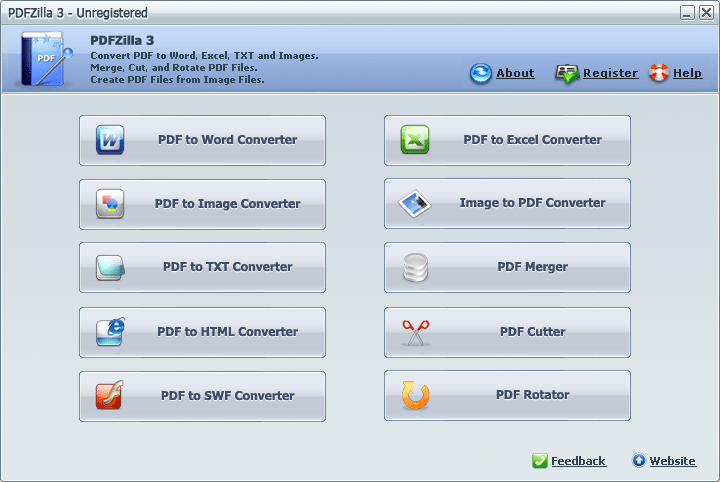
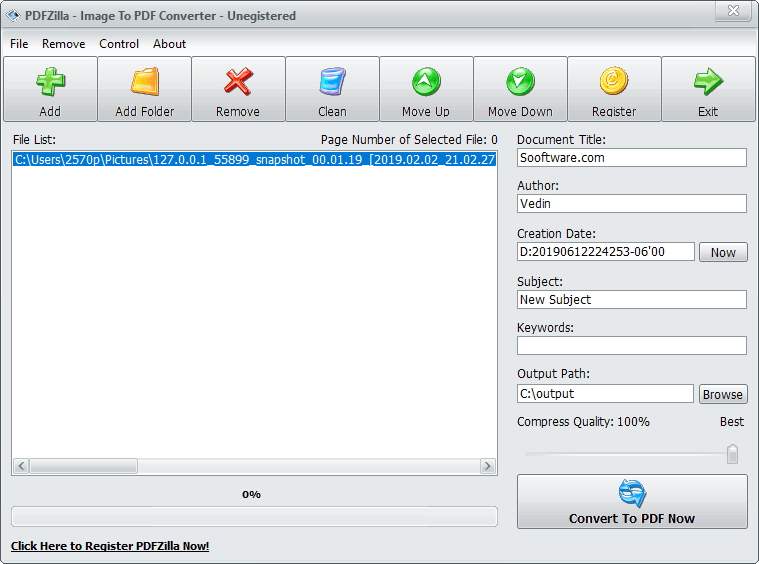
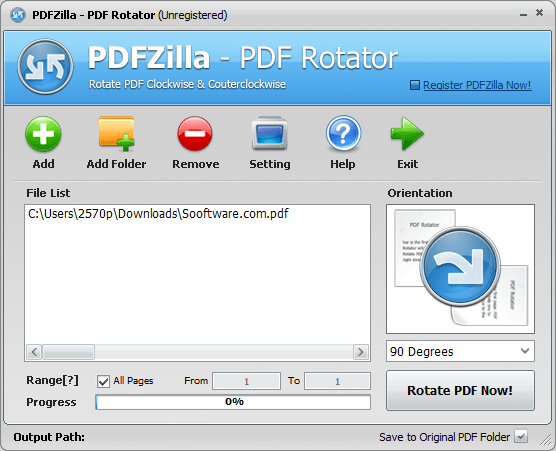
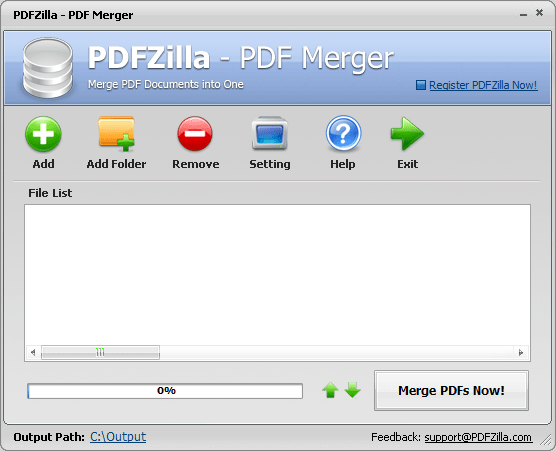
PDFZilla is a PDF management tool that mostly serves as a one-way converter from PDF to Word, Excel, TXT, HTML, or SWF. Only image conversion is available in both directions (PDF to image and image to PDF). Other features include a PDF Merger, Cutter, and Rotator.Licensing model and trial limitations
Buying a single PDFZilla license requires a one-time payment, though it often goes on sale. You can download the demo version to try the program out, but it only completes 50% of any action you undertake. Still, paying for a quality product is rarely an issue for professional users if it satisfies their needs. Unfortunately, PDFZilla falls short in a few areas.Missing tools and conversion quality
First of all, it lacks two-way conversion for formats other than images. Although many competing programs allow you to convert various formats back into PDF, it would be convenient to have it all in one place. The PDF Merger, Cutter, and Rotator tools are simple enough, and they work as expected.
Conversion quality, however, can be inconsistent. Converting to certain formats sometimes almost completely ruins the appearance of the document. Text scatters to random places, and images from the original PDF become unrecognizable. Apart from that, there are very limited settings to tweak, aside from selecting specific pages and adjusting image quality.